Show what you make
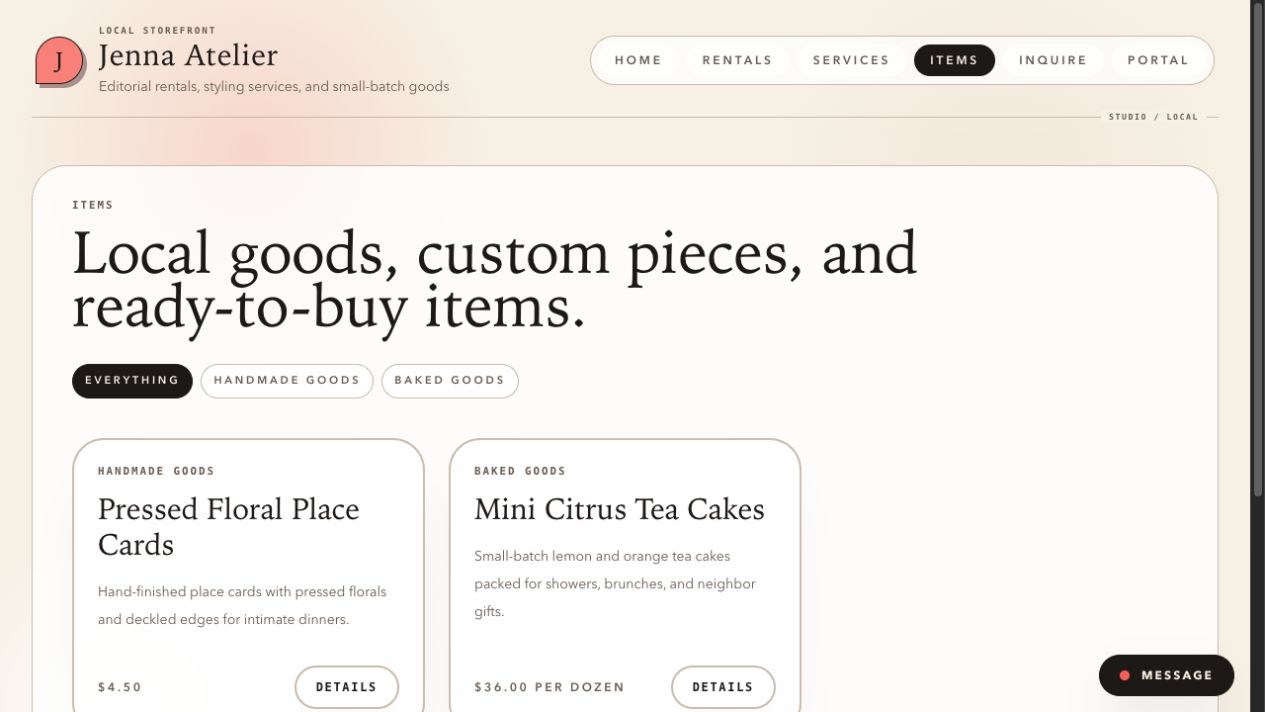
Present ready-to-sell or customizable items, then collect the customer’s dates, budget, location, and notes in a request.
Customer work, organized
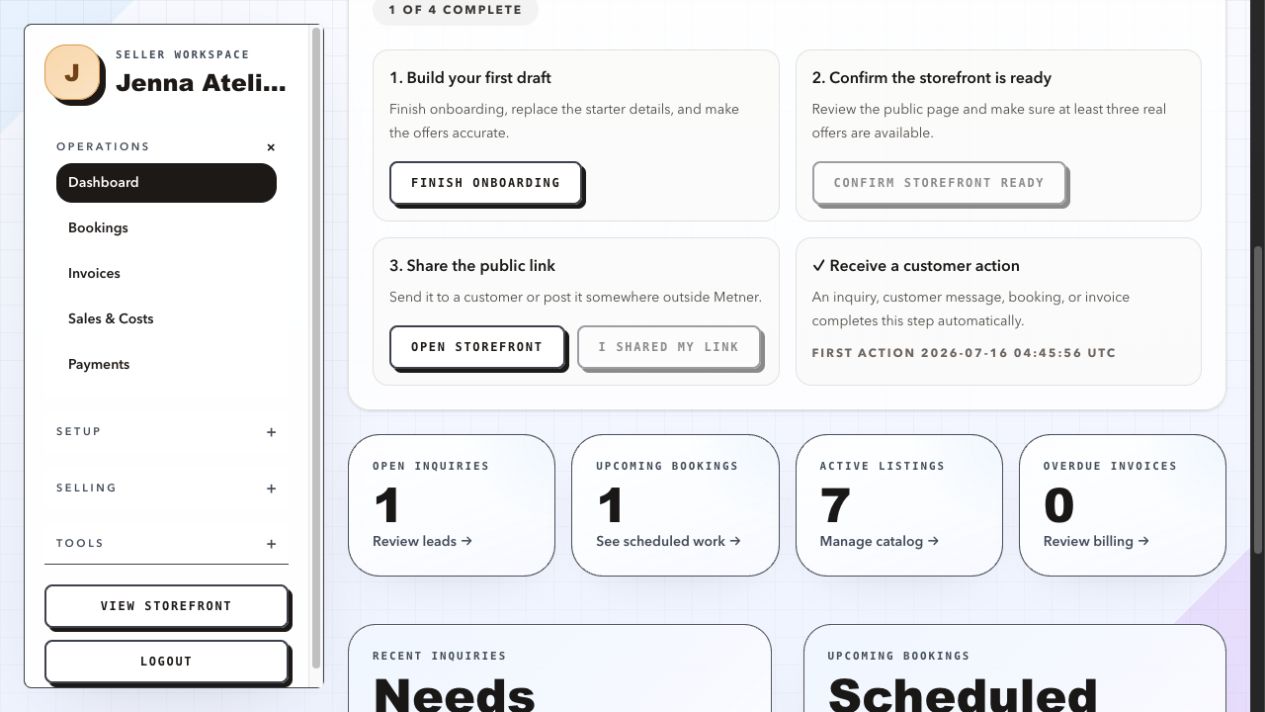
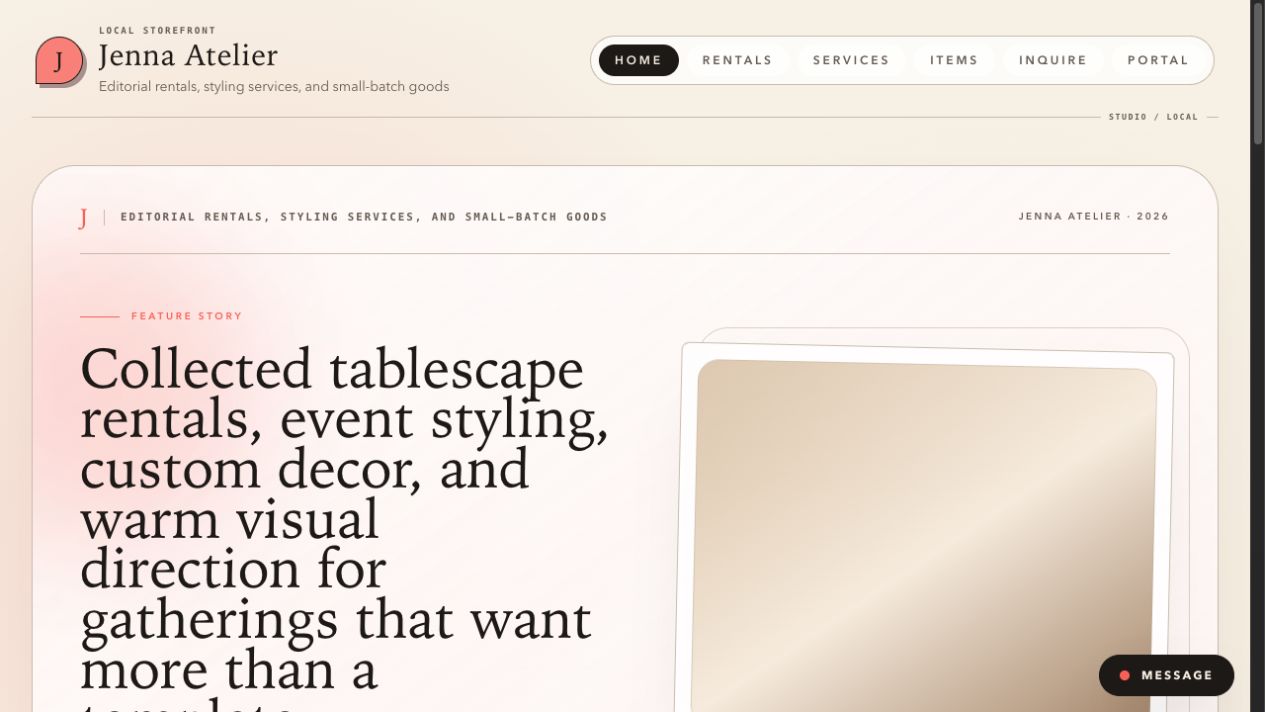
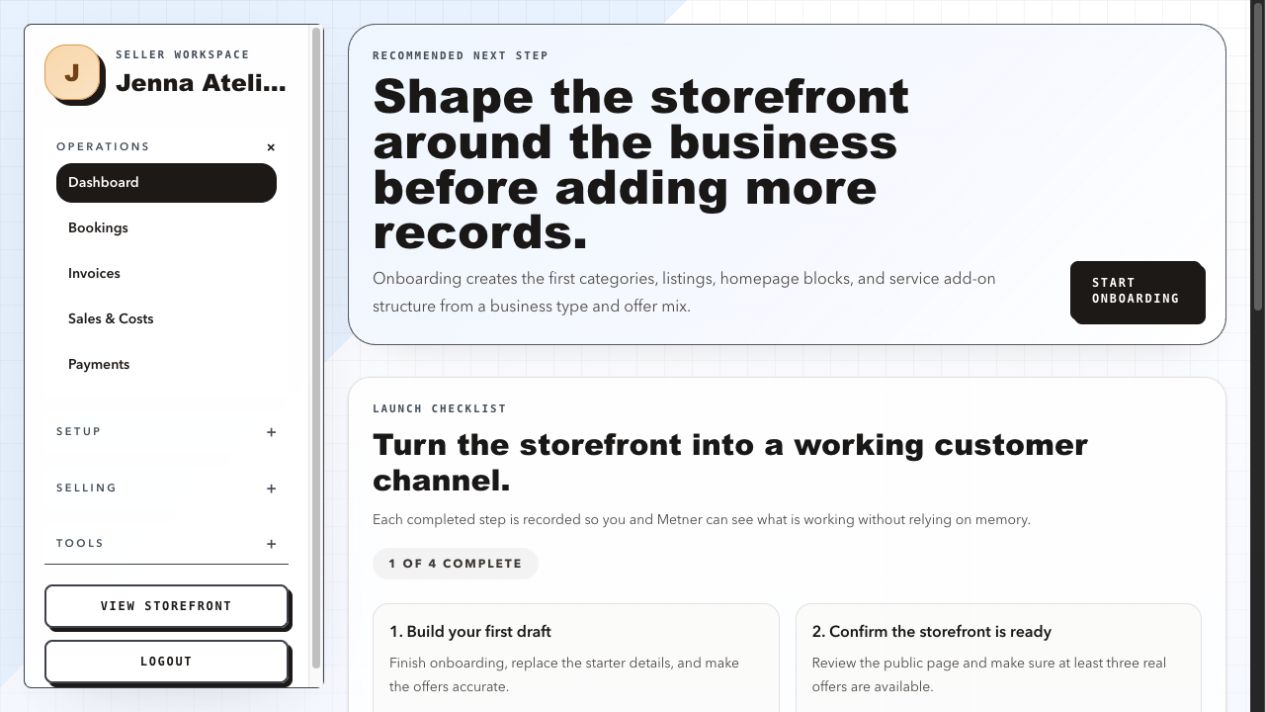
Metner is a lightweight platform for local side hustlers. It pairs a branded storefront for products, rentals, or services with a private seller workspace for customer requests, seller-managed bookings, conversations, pickup details, and invoices.
Free during early access. No credit card.
Last updated
Products, rentals, or services
Seller-managed bookings
Invoices tied to booked work
Who Metner is for
Metner is designed for solo owners and tiny owner-operated teams offering local products, rentals, or services. Each offer type keeps the details that fit the work.
Present ready-to-sell or customizable items, then collect the customer’s dates, budget, location, and notes in a request.
Present rental inventory separately and use customer requests to discuss timing and location before you confirm a booking. For a local party-supply business, see how rental requests and pickups work.
Explain services and available add-ons, then turn a reviewed request into dated work in the seller workspace.
Example: a home baker
Imagine a home baker offering cookie boxes and custom cupcakes for local pickup. Here is how an order could move through Metner.
Explore storefront themesAdd product listings for cookie boxes and cupcakes, with photos, descriptions, and prices. Share your storefront link so nearby customers can browse what you offer.
A customer selects cupcakes and requests Saturday pickup. Ask them to include quantity, flavors, and decoration ideas in the inquiry message, alongside their contact details and requested date.
Check the request in your seller workspace. When you are ready to take it forward, convert it into a customer and pending booking. Review quantities and prices yourself before confirming the work.
Start a customer conversation to agree on flavors, the pickup time, and the handoff location. Keep the agreed date, location, and customer-visible pickup notes with the booking, then confirm it.
Create an invoice linked to the booking for the agreed cupcakes and charges, with quantities, prices, and a due date. Customers with portal access can view it there. Arrange payment separately and record the amount paid.
Two sides of one product
Your storefront gives customers a stable place to browse and reach out. Your signed-in seller workspace keeps the resulting requests, bookings, conversations, and invoices with your business.
Choosing how to collect customer details? Read our guide to a public storefront with private requests for scheduling, form, and seller-workspace options.
Plain answers
It is the seller’s private workspace for customer work—not a self-service scheduling calendar and not a replacement for the storefront.
Yes. Metner is designed for local side hustlers who want a branded storefront and a private seller workspace for customer inquiries, booked work, conversations, and invoices. Customers begin with an inquiry or storefront message, and the seller decides when an inquiry becomes booked work.
It can suit a small local business that handles requests personally. It is free during early access; future pricing may change. Check current pricing before choosing your setup.
No. Metner does not currently offer self-service scheduling. Customers request dates and share details; the seller reviews the request and creates or manages the booking.
Customers can propose local pickup dates and details in an inquiry or message. Agree on the time and place directly, then keep the date, location, and customer-visible instructions with the booking. Pickup times are coordinated by you.
Customers who receive portal access can review their own bookings, invoices, and conversations for that storefront. The seller workspace remains private.
Yes. Show your usual baked goods as product listings and ask customers to describe quantities, flavors, and custom details in their inquiry message. Review each request and agree on the scope and price before confirming the booking.
Customers can send a message from your storefront. Reply or start a conversation with an existing customer in your seller workspace. Customers with portal access can also continue the conversation there.
You can create booking-linked invoices with line items, quantities, prices, and due dates. Customers with portal access can view them. “Mark sent” records the status; it does not email the invoice. Metner does not currently process customer payments, so arrange payment separately and record the amount paid.
Start with the real workflow
Create the storefront, collect a real request, and decide what becomes booked work.